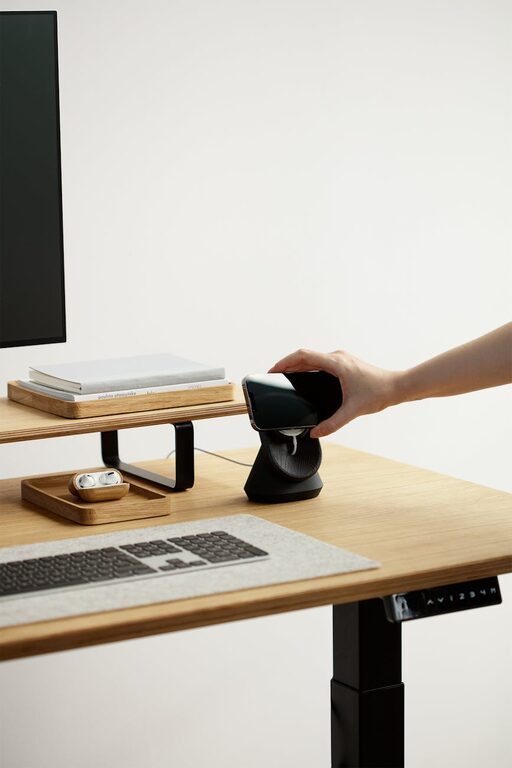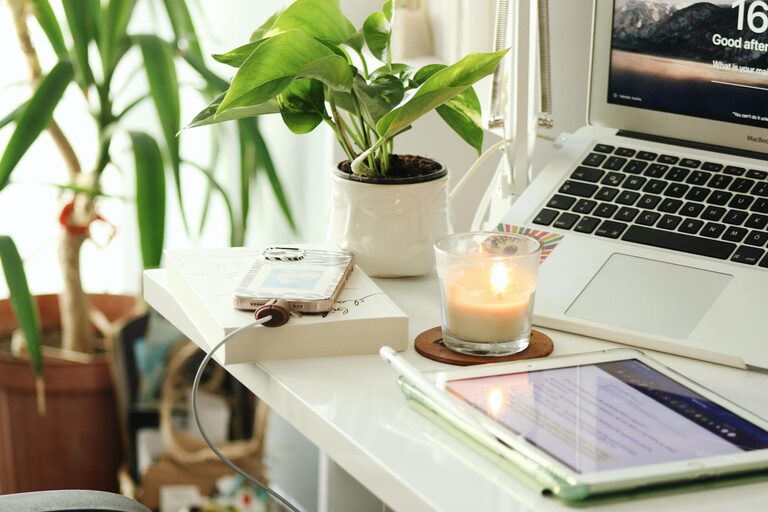
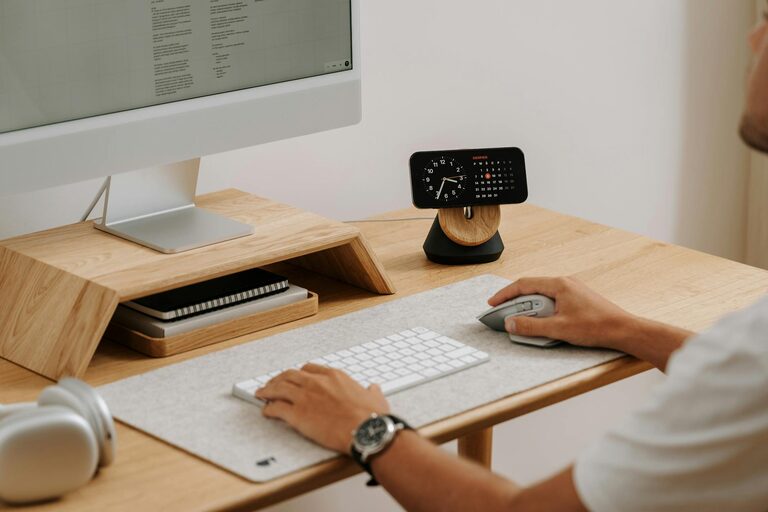
Creating a well-organized home office can have a significant impact on your productivity and overall work experience. When your workspace is clutter-free and thoughtfully arranged, it can boost your focus, reduce stress, and make it easier to manage tasks. In this post, we’ll share simple tips for organizing your home office that anyone can apply, no matter the size of your space or the nature of your work.
Why Organize Your Home Office?
Before diving into practical tips, it’s important to understand why a tidy workspace matters.
– Improved Focus: A cluttered desk can distract you and make it difficult to concentrate.
– Reduced Stress: Mess creates mental noise, while order promotes calm.
– Increased Efficiency: When everything has a place, you spend less time searching for items.
– Better Work-Life Balance: A dedicated, organized space helps separate work from relaxation time.
With these benefits in mind, let’s explore how to set up and maintain an organized home office.
Assess Your Space and Needs
Start by evaluating your current workspace:
– What tasks do you perform regularly (e.g., computer work, phone calls, crafting)?
– How much storage do you need for documents, supplies, and equipment?
– What features help you stay comfortable and focused (natural light, chair support)?
Answering these questions guides how to optimize your setup.
Tips for Organizing Your Home Office
1. Declutter Ruthlessly
Begin by removing everything from your desk and surrounding area. Sort items into categories:
– Keep: Frequently used tools and documents.
– Store: Items needed occasionally.
– Discard or Donate: Broken, outdated, or unnecessary things.
Be honest—clutter often builds up with things you no longer need.
2. Choose Functional Furniture
Select furniture that meets your needs:
– A desk large enough to hold your computer, notepad, and other essentials.
– Storage units like filing cabinets, shelves, or drawers to keep supplies out of sight.
– An ergonomic chair to support comfortable posture.
Multi-functional furniture can be especially useful in small spaces.
3. Create Zones for Different Activities
Designate specific areas for activities, such as:
– Computer work
– Reading or writing
– Phone calls or virtual meetings
This helps your mind switch tasks and keeps the space organized.
4. Use Storage Solutions Wisely
Keep your workspace clear by using storage such as:
– Drawer dividers for stationery
– Vertical file organizers for papers
– Containers or boxes labeled for specific items
Clear storage lets you see what you have at a glance.
5. Manage Cables and Electronics
Tangled cables add to visual clutter. Here are cables management ideas:
– Use cable clips or sleeves to bundle wires neatly.
– Choose wireless accessories if possible.
– Place power strips behind or under the desk.
Keeping cords tidy reduces distractions and safety hazards.
6. Keep Only Daily Essentials Within Reach
Limit the number of items on your desk to those you use every day. Store less urgent things in nearby drawers or shelves. This way, your main workspace stays neat.
7. Personalize Thoughtfully
Add a few personal touches like plants, photos, or art to create a welcoming atmosphere. Choose items that inspire you but don’t overwhelm your space.
8. Schedule Regular Maintenance
Set aside 5 to 10 minutes each day to:
– Put items back in their places
– Clear paperwork
– Wipe down surfaces
Regular tidying keeps organization habits strong.
Helpful Tools and Apps
Technology can aid organization too:
– Digital To-Do Lists: Apps like Todoist or Microsoft To Do keep tasks organized.
– Note-Taking: Tools such as Evernote or OneNote reduce paper clutter.
– Calendar Apps: Google Calendar helps schedule your day efficiently.
Using technology alongside physical organization maximizes productivity.
Optimize Lighting and Comfort
A productive workspace is also about comfort:
– Maximize natural light to reduce eye strain.
– Use adjustable lamps for focused lighting.
– Maintain comfortable room temperature.
– Take regular breaks to stretch and adjust posture.
Comfort boosts endurance and focus during work sessions.
Conclusion
Organizing your home office does not have to be complicated or time-consuming. By decluttering, setting up an ergonomic and functional space, and maintaining daily habits, you will create an environment that supports your productivity and well-being. Start small, customize your setup to your work style, and enjoy the benefits of a harmonious workspace.
Remember, a neat home office is not just about cleanliness—it’s about creating a clear space where your best work can happen. Happy organizing!